
Beginning My STM32 Journey!
While in Japan, I bought an STM32 Nucleo F767ZI board. This is a medium sized board that seems to be perfect for learning so far.
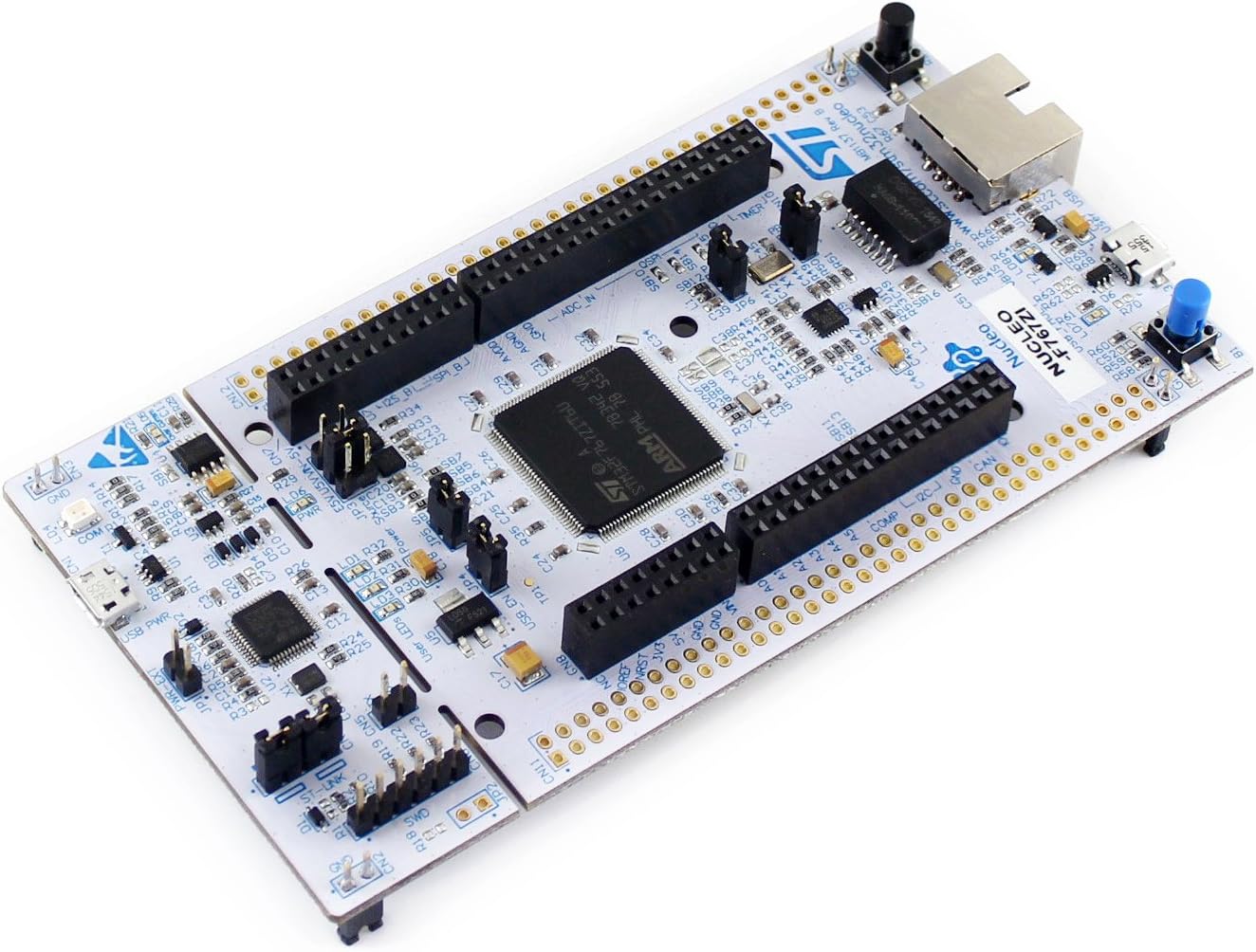
Most of the STM32 Nucleo boards seem to be very similar, so I believe you can start with anything that’s available in your area.
The only boards I used before this were some Xilinx FPGA boards in my undergraduate degree, and a few Raspberry Pi boards.
It was a small journey to refresh myself on these types of systems, because I haven’t done this type of work in almost 10 years!
I decided to start by checking a few youtube tutorials. The one that really stuck with me was this one.
The channel that made this video is called CMTEQ
Chad explains things really well. I was able to follow the first few videos from him to understand the STM32CubeIDE.
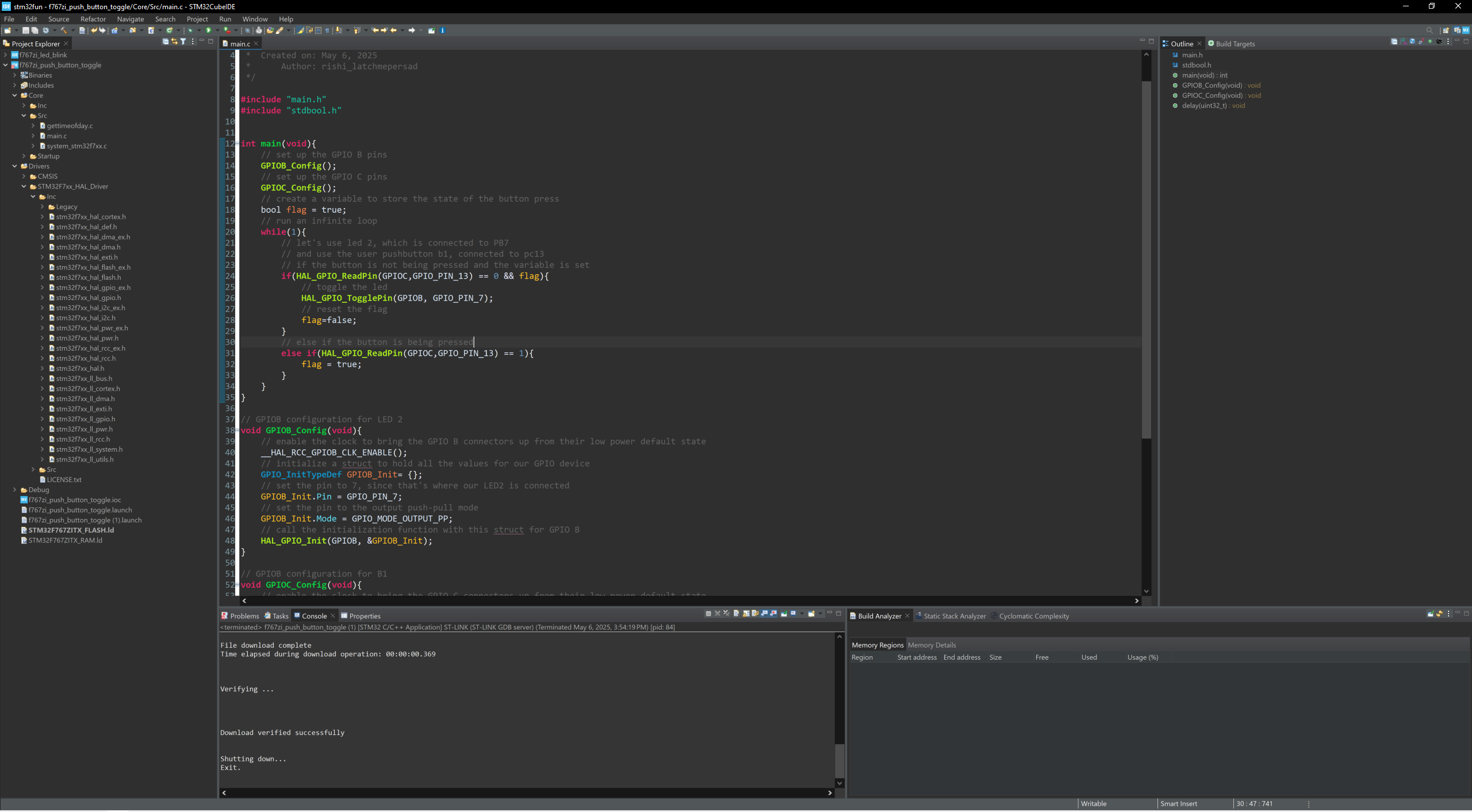
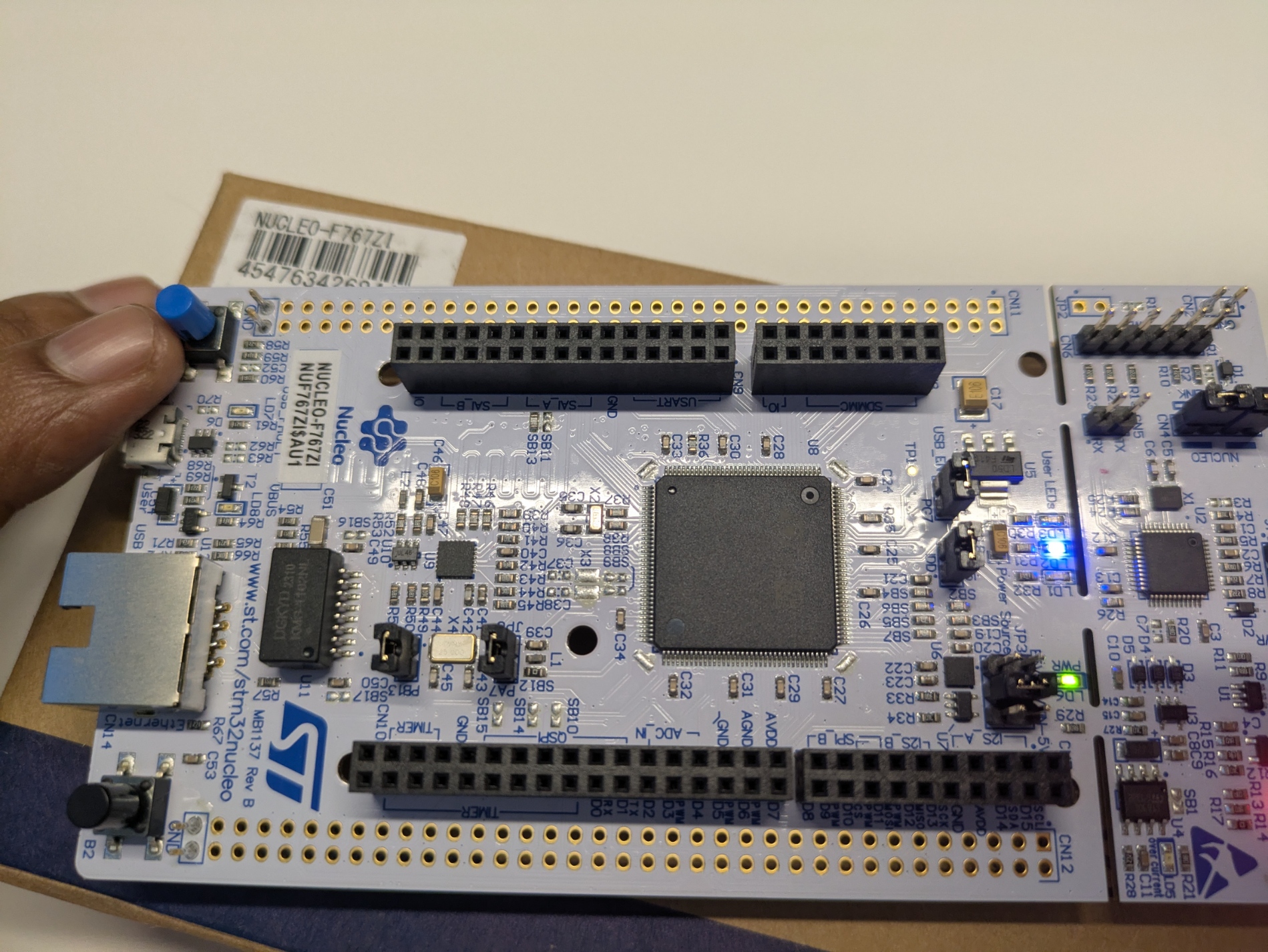
I completed the first 4 videos, which walked me through the basic setup of STM32CubeIDE, and a few basic steps to flash an LED, and use a button toggle to change the state of the LED.
This seems to be the equivalent of “hello world” in the pure software world. I was really excited to be able to push my own code to the board!
I was a bit concerned that we were using the HAL library (Hardware Abstraction Layer), instead of writing to registers directly. However, as far as I could tell, this is the recommended practice. Why reinvent the wheel right?
Let’s see how complicated this playlist will get. I have some ideas on something big that I want to build with the board, but I’m waiting until I understand the basics to buy more stuff.